
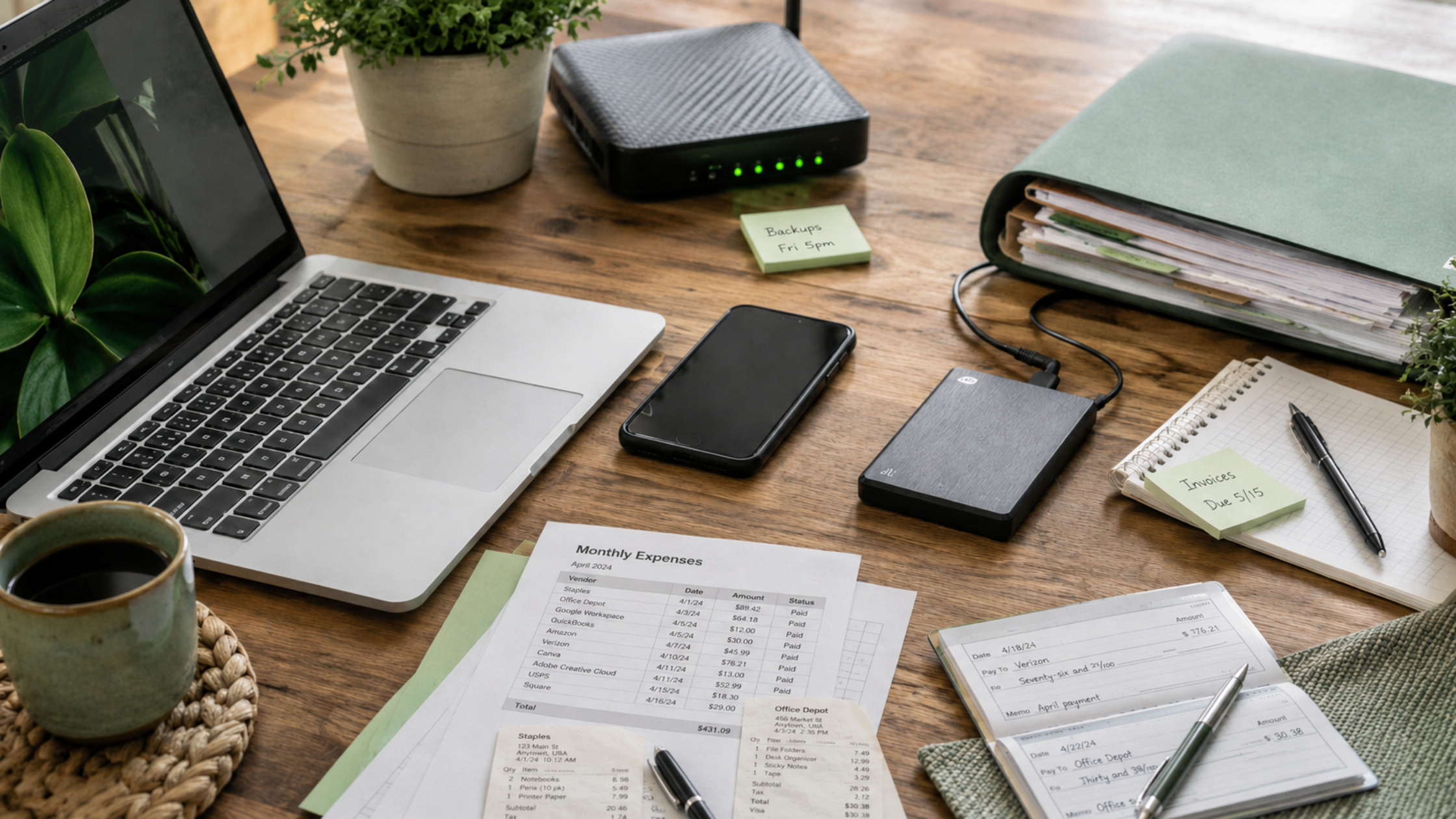
A BYOD policy, short for bring your own device, sets the rules for when employees can use personal devices like phones, tablets, and computers for work. Many businesses already allow it informally, often without ever deciding to.
It usually starts with email on a personal phone. Then someone finishes a report on a home computer, or a manager approves invoices from a tablet at night. Each step is convenient and saves on equipment.
The question is not whether personal devices are good or bad. It is which uses make sense for your business, and what needs to be in place before they happen.
Decide Which Uses Are Acceptable
Start by separating lower-risk uses from higher-risk ones. Checking email and calendars on a personal phone is very different from downloading client files to a home laptop. Many businesses allow phones for email, Teams, and approvals, but require company-owned computers for work involving sensitive files or line of business software. A dental office, for example, might let staff check the schedule on a personal phone while keeping patient records on office computers only.
Know Where Business Data Ends Up
When an employee opens an attachment on a personal device, a copy of that file may stay there. Over time, personal phones and home computers can collect client documents, financial reports, and email the business cannot see or control. Leadership should decide which types of information are acceptable on personal devices and which are not. Downloads, photos of documents, and files saved to personal cloud storage are common ways business information ends up there.
Plan for Lost Phones and Departing Employees
Phones get lost, and employees leave. In both cases, the business needs a way to remove access to email and files without relying on the employee to do it. Mobile management tools can separate business apps and data from personal content and, in many setups, remove company data without erasing personal photos and messages. Decide ahead of time what will happen, so it is not a negotiation on someone’s last day. Make sure employees know to report a lost phone right away, even if they expect to find it.
Set Basic Security Expectations
A personal device used for work should meet a few minimum standards. These typically include a screen lock, current software updates, and multifactor authentication on business accounts. A home computer shared with family members raises separate concerns, since other people may use it or install software on it.
Clarify Who Supports Personal Devices
When a personal phone stops syncing email, employees will ask IT for help. Decide how far that support goes. Helping with business apps on a personal phone is reasonable. Troubleshooting a family laptop usually is not. Clear boundaries prevent frustration on both sides. Write those boundaries down so employees know what to expect before they ask.
Respect Employee Privacy
Employees may hesitate to use personal devices if they think the company can see everything on them. Explain plainly what the business can and cannot access, and choose tools that manage business data without monitoring personal content. Being upfront makes it easier for employees to accept reasonable rules.
Know When Company-Owned Devices Are the Better Choice
For some roles, a company-owned device is simpler. Employees who handle patient records, financial data, or confidential client files may be better served by a laptop or phone the business fully manages. The equipment cost can be easier to justify than sensitive information living on personal devices. Some businesses split the difference by providing company phones only to managers or employees who are on call.
Put the Policy in Writing
A short written policy helps employees understand the rules and gives leadership something to point to. It should cover which devices and uses are allowed, the minimum security expectations, what happens when a device is lost or an employee leaves, and who to contact for help. Review it once a year as tools and roles change.
Make the Decision on Purpose
Personal devices at work are already common. The goal is to make the arrangement intentional rather than something that happened by default.
A clear policy protects business information while keeping the flexibility that makes personal devices appealing in the first place.
If you are not sure how personal devices are being used across your business, RBS IT can help you review current use, set practical rules, and decide where company-owned devices make more sense.
Ready to put a practical device policy in place? Schedule a time to talk with our team.